Search services

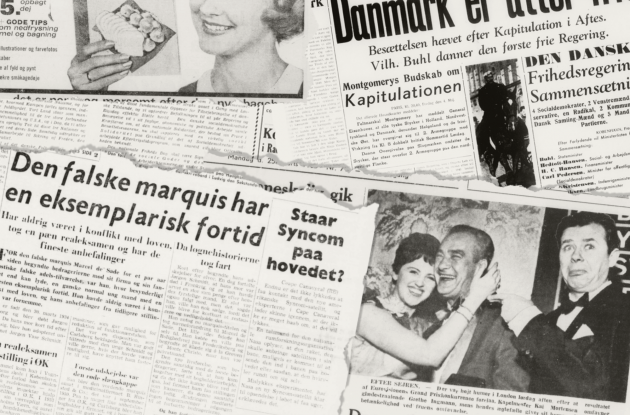
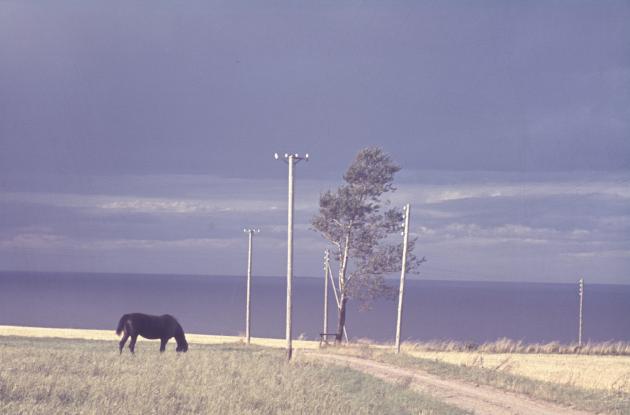
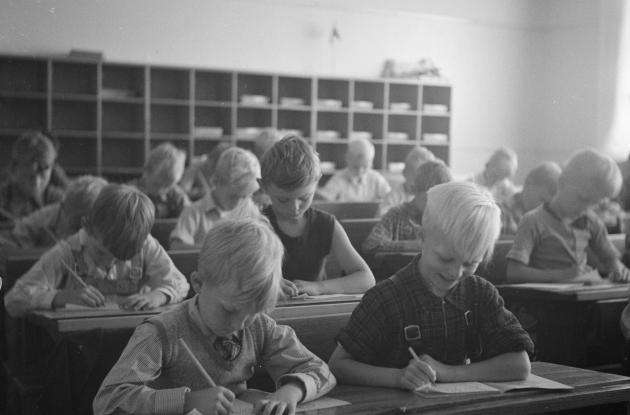
Through our search services you can search directly in many of our materials. Here you can find pictures, letters, maps, newspapers, radio and TV broadcasts and much more.
Our collections are large. We have many different search services and special collections, which is why you cannot search all of our material at once. But our guides can help you.
We have extensive collections of materials that you can delve into to learn more about our common history and cultural heritage.
The collections are located in different search services, and therefore you cannot search all of our collections at once.
Choose one of the three entries below and delve into the collections.


Use the filtering buttons to view a selection of the materials.